
I was scrolling through product videos on a train with the sound off, the way most people watch in public, and realized I was missing half the actual information — prices, sizes, specific claims the creator was saying out loud but never showed on screen. Turning on captions fixed that completely.
Where Captions Live
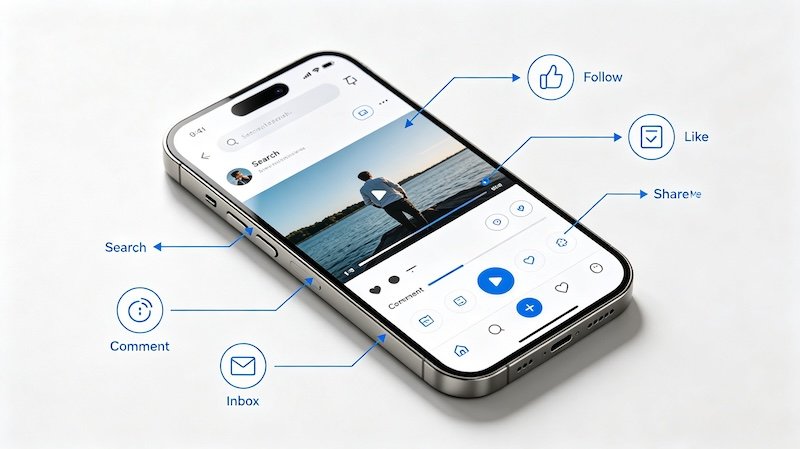
The setting that controls automatic captions sits under your account’s accessibility preferences, separate from anything on the video player itself.
Auto-Captions vs Creator-Added Captions
Some creators manually add or burn in their own captions regardless of your settings, while auto-captions are generated by TikTok itself and apply based on your account preference. The two can overlap on the same video.
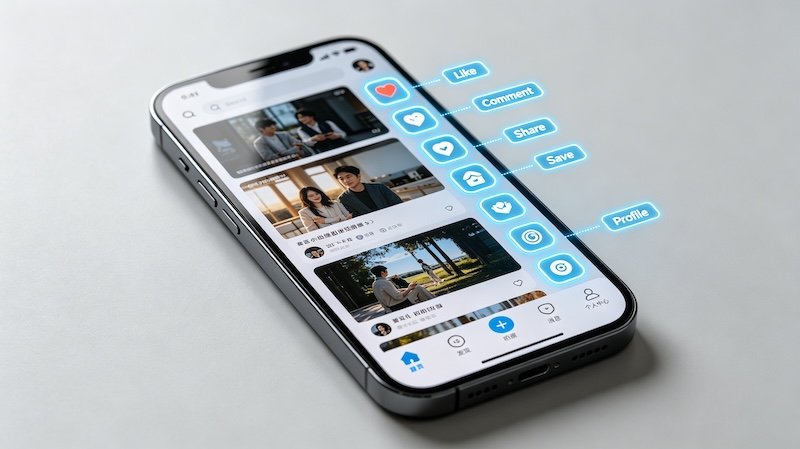
- Open Settings and Privacy
This is accessible from your profile menu, where most account and accessibility preferences live.
- Go to Accessibility and enable auto-captions
This turns on automatically generated captions across videos that support them, rather than relying on the creator to add their own.
- Check for creator-added captions on individual videos
Some creators burn in or add their own captions regardless of your setting, which will show either way.
- Toggle captions on or off based on your situation
Useful for sound-off environments, but easy to switch back if you’d rather watch without them.
Why This Matters for Shopping Videos Specifically
Product details are often spoken rather than shown on screen — a price, a size range, a specific material. Captions catch that information even when you’re watching with the sound off, which matters more for shopping content than it might for pure entertainment videos. It’s also worth checking out How to Use the Duet Feature and What Is Stitch and How to Use It.
FAQ
Are TikTok’s auto-captions accurate?
They’re generally decent for clear speech but can occasionally misread product names or specific terms, so it’s still worth watching with sound when accuracy matters.
Do captions work on every video?
Auto-captions work on most videos with clear audio, though quality can vary depending on background noise and speech clarity.
Can I turn captions off for specific videos only?
The general auto-caption setting applies broadly, but videos with creator-burned-in captions will still show text regardless of your setting.
Why would I want captions on for shopping videos specifically?
Product details — sizes, prices, specific claims — are easy to miss with sound off, and captions catch that information even when you can’t listen.