
I once spent almost fifteen minutes scrolling back through my watch history trying to find a video about a specific cleaning product I’d meant to buy — I’d liked plenty of videos that day, but hadn’t actually saved the one I wanted. Since then, saving has become the habit that actually sticks.
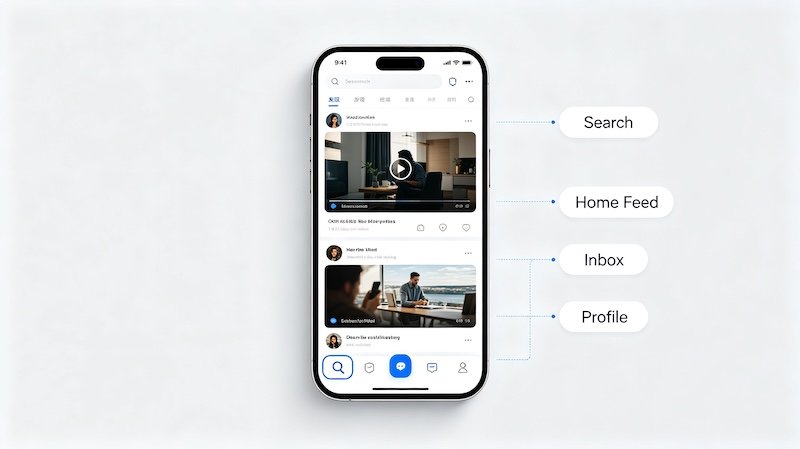
Where Saved Videos Live
Everything you save gets collected in a dedicated Favorites section on your own profile — separate from your liked videos and your regular watch history, and private by default.
Saving vs Liking — Different Purposes
A like is mostly a public engagement signal that also feeds the algorithm. Saving is closer to a personal bookmark, meant specifically so you can find something again without needing to search or scroll back through your history.
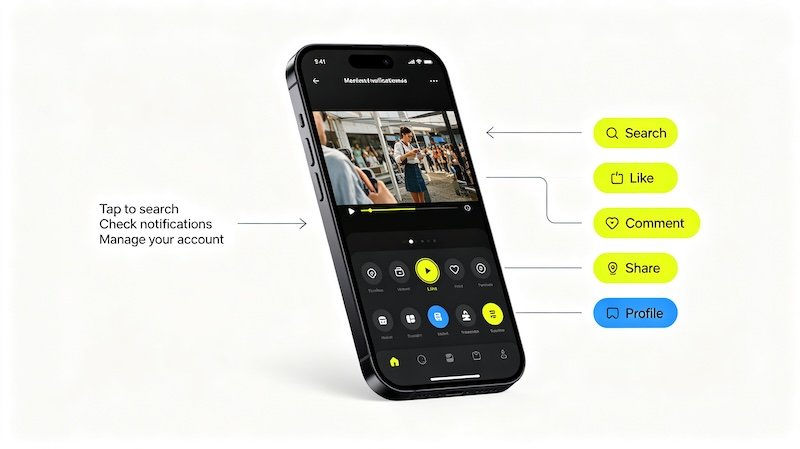
- Tap the share icon on a video
This opens the row of sharing and save options along the bottom or side of the screen.
- Select Save or Favorites
This is a separate action from liking — it bookmarks the video without publicly showing up the same way a like does.
- Find it later under your profile’s Favorites tab
All saved videos are collected in one place, easy to scroll back through later.
- Organize into collections if the option is available
Grouping saved videos by topic makes it faster to find a specific one later, especially if you save a lot.
A Simple Habit for Shopping Research
Saving a product video the moment you see it is a small habit that pays off — it beats relying on memory or hoping your feed shows it again. If you’ve already been using your Wishlist & Favorites for products themselves, this is the video equivalent for the content that led you there. If you’re curious, How to Use the Duet Feature covers related ground.
FAQ
Is saving a video the same as liking it?
No — liking is a public engagement signal, while saving is a private bookmark meant for finding the video again later.
Can other people see what I’ve saved?
No, your saved videos are private to your own account by default.
Is there a limit to how many videos I can save?
There’s no meaningfully restrictive limit for typical use — you can save a large number of videos without issue.
Does saving a video notify the creator?
No, saving is a private action and doesn’t send a notification to the original creator the way commenting or duetting would.