
I came across a stitched video once that clipped just the moment a seller made a specific claim about a gadget’s battery life, then cut straight to someone else’s own test showing a very different result. It was a much faster way to get a second opinion than digging through comments myself.
What Stitch Does Differently From Duet
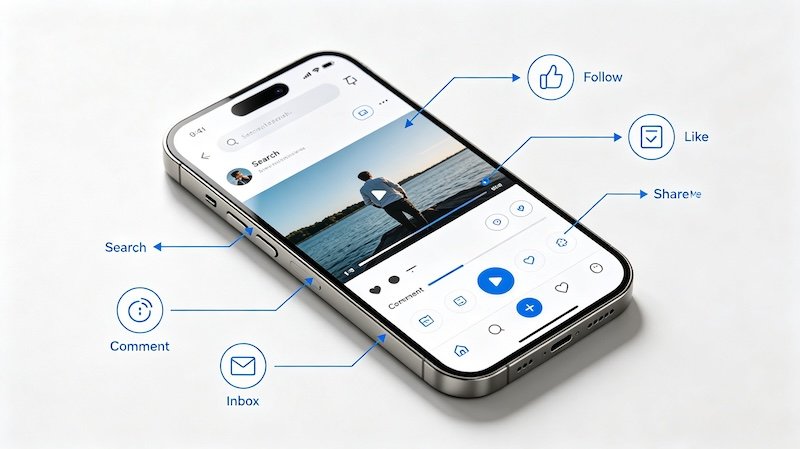
Where duet plays two videos side by side at once, stitch takes a short clip from the original and plays it first, followed immediately by your own footage. It’s more like a sequential handoff than a split-screen reaction.
Why Stitched Videos Are Useful for Product Research
Because a stitch pulls in the exact moment being responded to, it’s often clearer and faster to follow than a duet or a written comment — you see the original claim and the response back to back.
- Find the original video you want to stitch
The video needs to have stitch enabled by the creator for the option to appear.
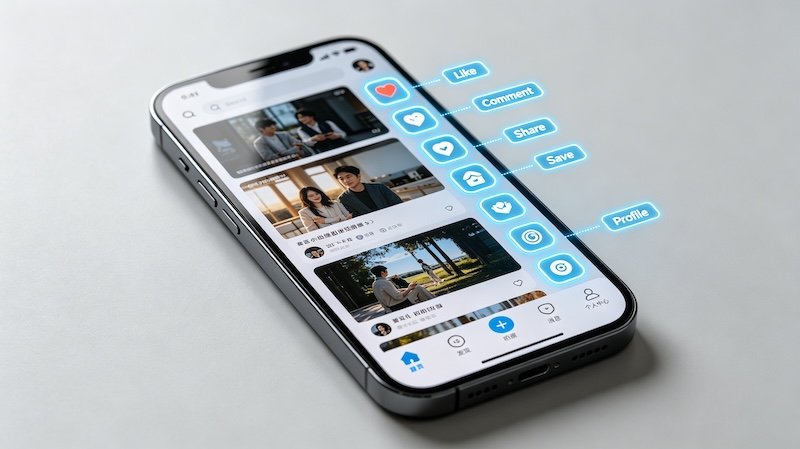
- Tap Share, then Stitch
This opens a trimming screen to select which part of the original clip to use.
- Select the clip segment
You can typically choose up to a few seconds of the original to lead into your own footage.
- Record your own take and post
Your clip plays right after the selected segment, creating a single combined video.
Reading Stitches Critically
Like any content, a stitch reflects one person’s take — it’s worth treating it as one data point rather than the final word. Pairing it with a look at the comments section or a quick check on verifying the seller gives a fuller picture than any single video alone.
FAQ
What’s the difference between Stitch and Duet?
Stitch splices a short clip of the original video into the start of yours, playing one after the other. Duet plays both videos side by side at the same time.
Can any video be stitched?
Only if the creator has left stitching enabled — otherwise the option won’t show up in the share menu.
Is a stitched video always critical of the original?
No, stitches can agree, add extra information, or simply continue a demonstration — not every stitch is a rebuttal.
How much of the original video can I use in a stitch?
Typically just a short clip, a few seconds at most, rather than the entire original video.