
My cousin runs one TikTok account for keeping up with friends and a second, quieter one just for following sellers and product content — she says it keeps her main feed from turning into an endless shopping scroll. Switching between the two takes about two seconds once it’s set up.
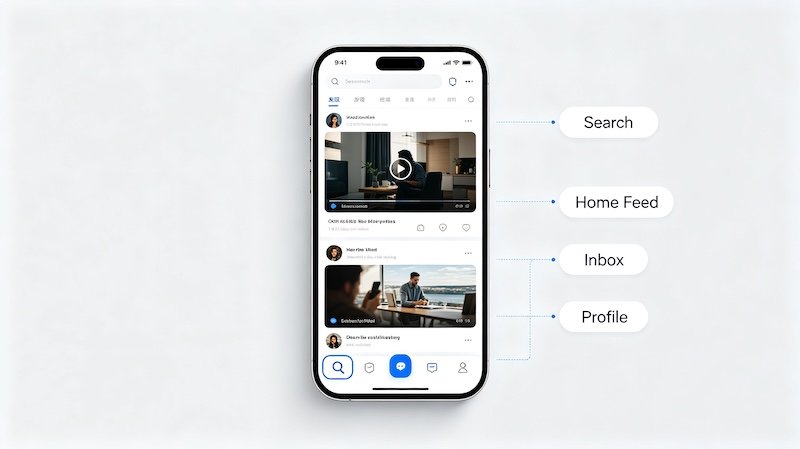
Why Some People Run More Than One Account
Splitting a personal feed from a shopping-focused one is one of the most common reasons, but plenty of people also separate a public account from a private one, or a work-related account from a personal one.
Linking an Account for Quick Switching
Once an account is linked, moving between it and your main account happens without a full logout, which makes it easy to check both without any friction.
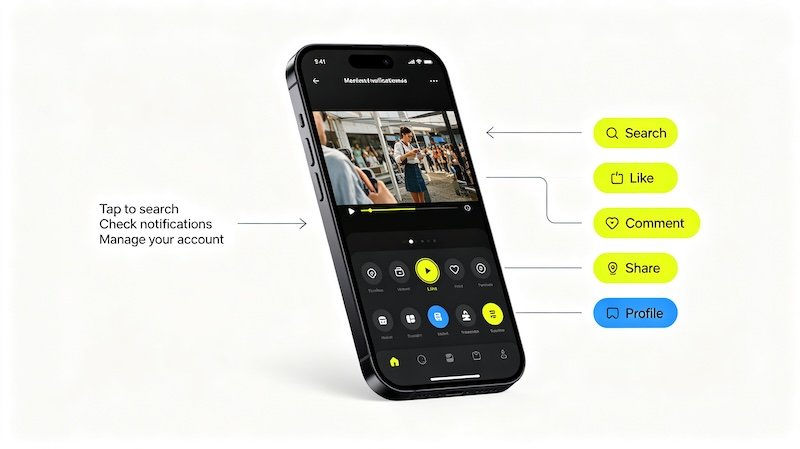
- Open your profile and tap your username at the top
This opens the account switcher instead of just your profile settings.
- Tap Add Account or select an existing linked account
Previously logged-in accounts appear in a list, ready to switch into with one tap.
- Confirm the switch
The app reloads with the selected account’s feed, likes, and settings active.
- Repeat to switch back
The same menu works in reverse any time you want to return to your other account.
Keeping Accounts Organized
If one of your accounts is specifically for tracking sellers and shopping content, it’s worth pairing it with reviewing your privacy settings on that account separately, since your preferences don’t automatically carry over between linked accounts. For more on this, see How to Use TikTok on Desktop.
FAQ
How many TikTok accounts can I link at once?
TikTok allows several accounts to be linked to the same device for quick switching, though there’s a reasonable cap rather than unlimited accounts.
Do I need to log out to switch accounts?
No, that’s the entire point of the account switcher — it lets you move between linked accounts without logging out of either.
Will switching accounts affect my algorithm feed on either account?
No, each account maintains its own separate feed and watch history, so switching doesn’t mix them together.
Why would someone use two TikTok accounts?
Common reasons include separating a personal account from a shopping-focused one, or keeping a public account separate from a private one.