
I ended up watching a long product review thread on my laptop one evening simply because it was already open, and found myself actually reading more of the comments than I usually do on my phone — the bigger screen made it far less tempting to just scroll past.
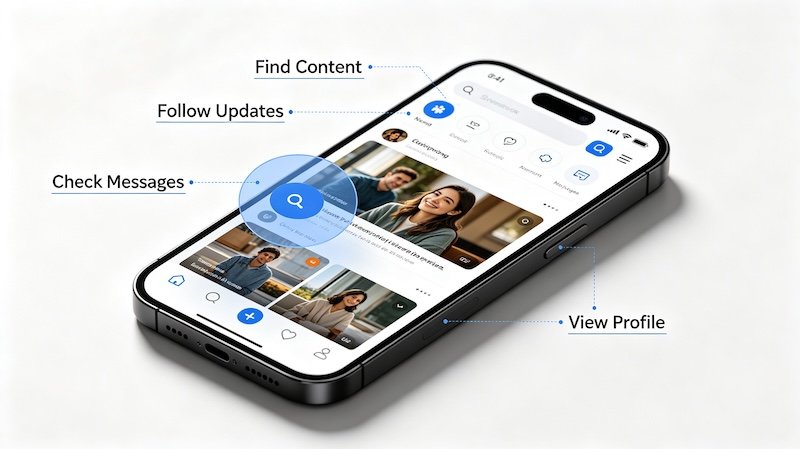
TikTok Isn’t Just a Mobile App
The full tiktok.com site works in any modern browser, syncing with your existing account so your feed, likes, and following list carry over exactly as they are on mobile.
Where Desktop Actually Helps
Reading through long comment sections, comparing a few product videos side by side across browser tabs, or just giving your eyes a break from a small screen are all places desktop quietly works better than mobile.
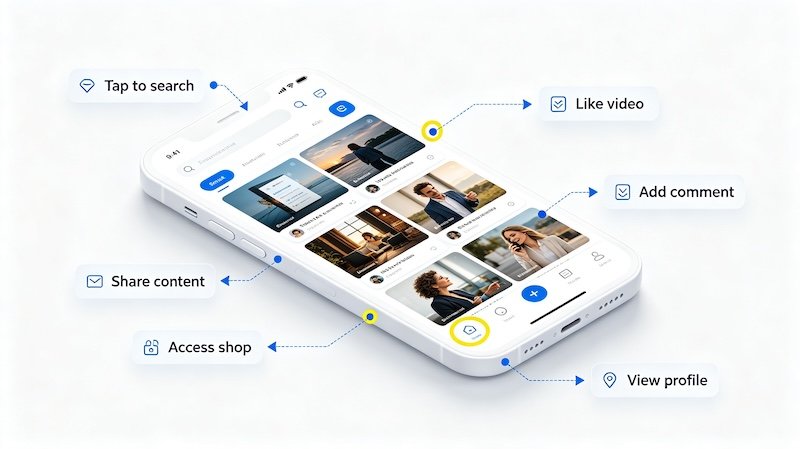
- Go to tiktok.com in any browser
No app download is required to browse videos, view profiles, or watch content on desktop.
- Log in with your existing account
This syncs your feed, following list, and likes from mobile.
- Browse, watch, and interact as usual
Most core features work in-browser, including liking, commenting, and following.
- Use it for a larger screen when it’s more convenient
Desktop is especially handy for closely reviewing a product video, reading long comment threads, or multitasking.
What to Expect Feature-Wise
Most everyday browsing, watching, and interacting works the same as mobile, though a few camera-dependent features stay app-only. For research-heavy tasks like reading through product comments, desktop is often the more comfortable option. Related reading: How to Switch Between Accounts.
FAQ
Does everything work the same on TikTok’s desktop site as the app?
Most core features work, though a handful of app-only features like certain camera tools aren’t available in the browser.
Can I shop on TikTok Shop from desktop?
Yes, product links and shop features are generally accessible through the desktop site as well as the app.
Do I need to download anything to use TikTok on desktop?
No, the browser version works without installing any software — just visit the website and log in.
Why would I use desktop instead of the app?
A larger screen makes it easier to closely examine product videos, read through long comment sections, or browse alongside other tabs.