
A friend in my group chat set a screen time reminder mostly as a joke after realizing she’d spent two hours “just checking one product,” and ended up keeping it on permanently — she said the gentle nudge alone changed how she scrolled.
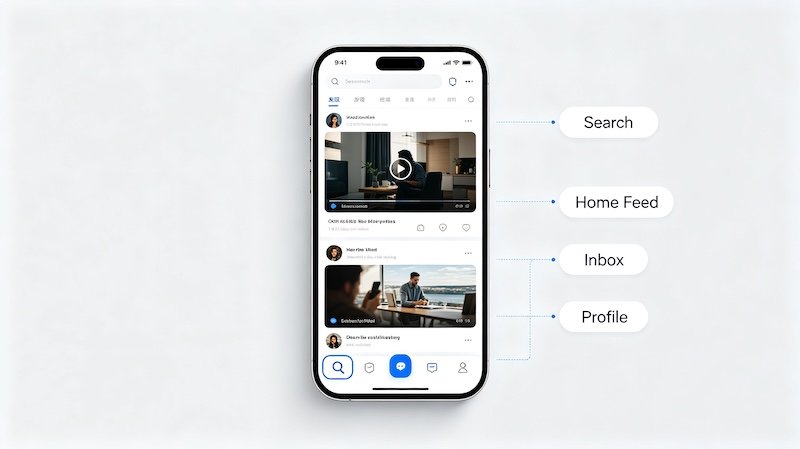
What Screen Time Settings Actually Control
These settings manage how long you spend in the app, not what appears in your feed. Daily limits, scheduled quiet hours, and break reminders are the main tools available.
Why This Matters for Shopping Sessions Specifically
Quick product research has a way of turning into extended scrolling without you noticing. A break reminder is a light, non-intrusive way to catch that shift before it eats an entire evening.
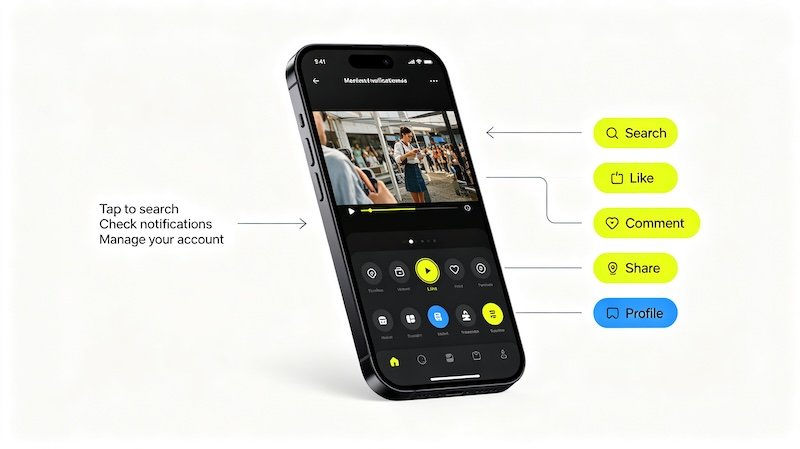
- Open Settings and Privacy from your profile
Screen Time settings are grouped under the same digital wellbeing section.
- Tap Screen Time
This opens options for daily usage limits, break reminders, and scheduled quiet time.
- Set a daily time limit if desired
The app will show a reminder once you’ve hit the limit, though it’s typically possible to continue past it if needed.
- Enable sleep or break reminders
These nudge you to take a pause after a set amount of continuous scrolling, independent of the daily limit.
Pairing Screen Time With a Cleaner Feed
If sessions tend to drift, combining a screen time reminder with occasionally clearing your watch history keeps both your time and your feed a little more intentional. It’s also worth checking out How to Switch Between Accounts.
FAQ
Does hitting the screen time limit lock me out of the app?
No, it typically shows a reminder or requires entering a passcode to continue, rather than fully blocking access.
Can screen time settings be applied to a family member’s account?
Yes, TikTok offers a Family Pairing feature that lets a linked account manage screen time and other settings remotely.
Do screen time settings affect what content I see?
No, they control how long you can use the app, not what shows up in your feed.
Is it worth setting a screen time limit if I mainly use TikTok for shopping research?
It can help — it’s easy for quick product research to turn into extended scrolling, and a gentle reminder keeps sessions more intentional.