
A coworker of mine was genuinely annoyed for almost two weeks because her FYP kept showing her the exact same phone case from what seemed like every seller on the platform. She’d scroll past it, and five videos later, there it was again. It’s a common complaint, and it comes down to how narrowly TikTok’s algorithm can lock onto a signal once it thinks it’s found a strong match.
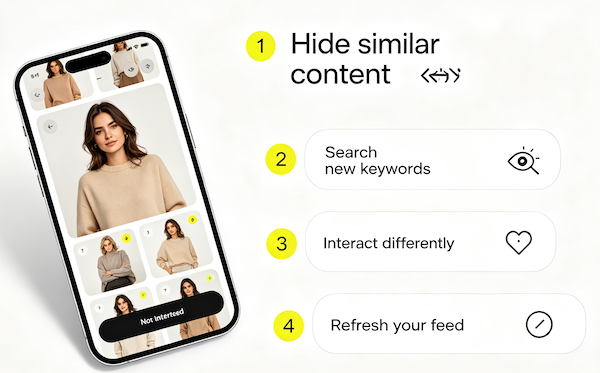
Why the Algorithm Repeats Itself
TikTok’s ranking system is built to double down on whatever gets a strong reaction from you — a rewatch, a long pause, a comment, a share. The problem is it can’t always tell the difference between “I love this” and “I watched this twice because it was confusing” or “I paused because I got distracted.” Either way, it reads as strong engagement, and the algorithm responds by showing more of the same.
It’s Not a Bug — It’s Overfitting to a Signal
In data terms, this is basically overfitting: the system leans too hard on one data point instead of a balanced read of your interests. It’s frustrating in the moment, but it also means the fix is usually simple — send a different, clearer signal, and the feed adjusts.
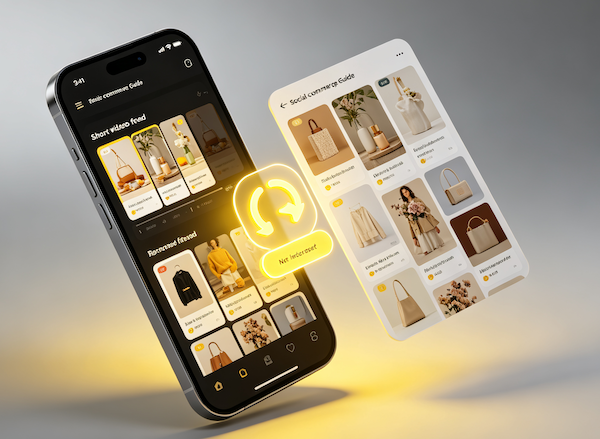
- Tap Not Interested on the repeat video
This is the most direct signal you can send that you’ve seen enough of a specific product or seller.
- Search a new but related keyword
Searching nudges the algorithm toward a wider slice of the same category instead of one repeating item.
- Watch a wider variety of content for a day or two
Deliberately mixing in other topics dilutes the narrow signal that caused the repetition in the first place.
- Follow a few new accounts outside the repeated niche
New follows carry real weight and help balance out whatever single seller or product has been dominating your feed.
When to Just Let It Ride Itself Out
If the repeated product doesn’t actually bother you, it’s fine to just ignore it — the algorithm will naturally move on as you keep watching other things. But if it’s genuinely annoying, using the Not Interested button is the fastest fix, and if the whole feed feels stuck rather than just one product, a full algorithm reset might be worth doing instead.
FAQ
Is it a bug when TikTok shows the same product over and over?
Not usually — it’s the algorithm overweighting a strong signal, like a video you watched multiple times or engaged with heavily. It’s working as designed, just narrowly.
Will the repetition go away on its own?
Often, yes, especially if you keep using the app normally. But it can take longer than expected if you keep re-engaging with the same type of content by accident.
Does tapping Not Interested actually work?
Yes — it’s one of the fastest ways to tell TikTok you’re done seeing something specific. It won’t fix everything instantly, but it’s the most direct tool available.
Should I just uninstall and reinstall the app to fix it?
That’s not necessary and won’t fully reset anything tied to your account. Adjusting your behavior or using the in-app reset options works better.