
Someone in a Facebook group I’m in mentioned she’d tapped “Not Interested” on a seller’s video assuming it would block that shop from her account entirely — like a mute button. It doesn’t quite work that way, and the mix-up is common enough that it’s worth spelling out exactly what the button does and doesn’t do.
What Tapping Not Interested Actually Does
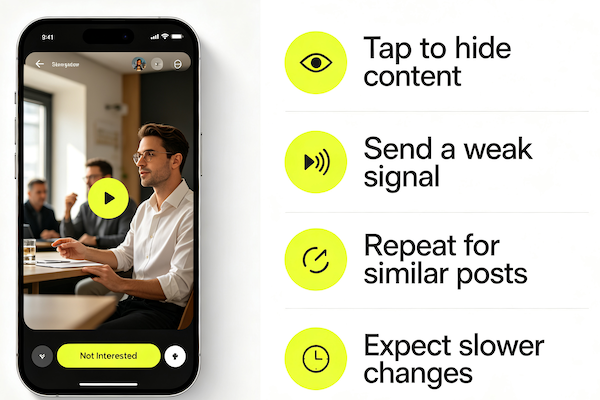
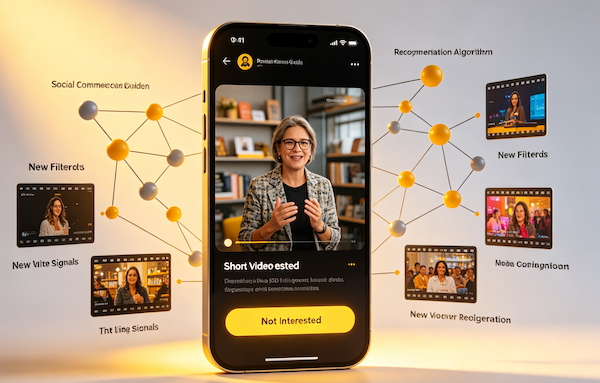
Not Interested is a recommendation signal, not a block. When you tap it, TikTok logs that you didn’t want that specific video, and it uses that as a data point to deprioritize similar content going forward — similar topic, similar format, sometimes the same seller. It’s one of the most direct ways to actively shape your feed instead of just passively scrolling.
What It Doesn’t Do
It doesn’t block the account, hide their videos from search, or stop you from seeing them if you visit their profile directly. It also isn’t permanent in an absolute sense — if your broader behavior later suggests renewed interest in that type of content, it can resurface. Think of it as turning down the volume, not muting it forever.
- Press and hold the video, or tap the share/more icon
Both paths open the same menu of options for that specific video.
- Select Not Interested
This tells TikTok you don’t want to see this video or ones closely like it again.
- Give a reason if you’re prompted to
TikTok sometimes asks why — picking a reason like “seen this before” or “not relevant” can slightly sharpen the signal.
- Give it a few videos to see the effect
The change is gradual, not instant, so don’t expect the exact category to vanish after a single tap.
When to Use It vs When to Just Scroll Past
If a video keeps resurfacing or the same seller shows up constantly (see: why TikTok keeps repeating products), Not Interested is worth using deliberately. For a single video you’re mildly uninterested in, scrolling past is usually enough — save the button for patterns that actually bother you. If your whole feed feels off rather than just one type of content, a broader algorithm reset is the better tool.
FAQ
Does tapping Not Interested block the seller completely?
No. It tells the algorithm to show you less of that specific content, but it doesn’t block or ban the account, and their videos can still resurface in a different context.
Does it delete the video from my history?
No, it just adjusts future recommendations. It doesn’t erase that you watched it or affect the seller’s account in any way.
How many taps does it take before the algorithm actually adjusts?
There’s no fixed number — it depends on how strong the original signal was. A few taps on clearly related content is usually enough to notice a shift.
Is Not Interested the same as reporting a video?
No, they’re separate actions. Not Interested only affects your own recommendations; reporting flags the content for TikTok’s moderation team to review.