
I missed several LIVEs from a seller I actually wanted to catch, simply because I’d followed the account but never turned on notifications specifically. Once I found that separate bell icon, I stopped missing them entirely.
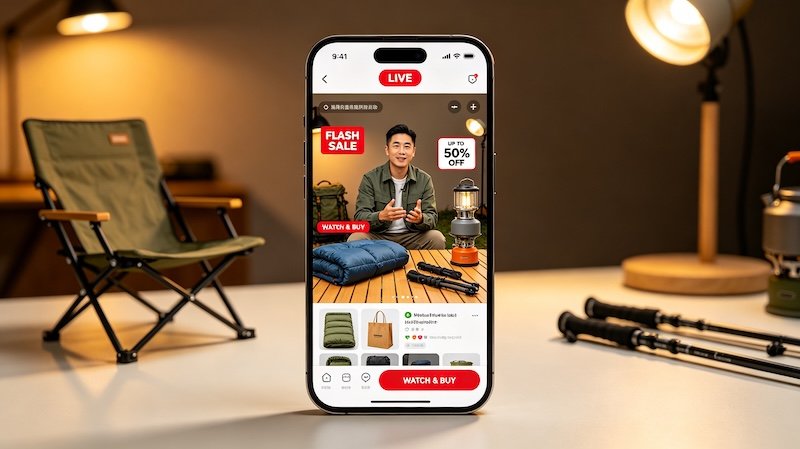
Following Isn’t the Same as Notifications
Following a seller keeps their content in your feed generally, but LIVE notifications specifically require a separate toggle — usually a bell icon on their profile — to actually alert you the moment they go live.
Where That Setting Actually Lives
It’s easy to miss because it’s tucked onto the profile page itself rather than in the main settings menu, though your overall app notification permissions matter too.
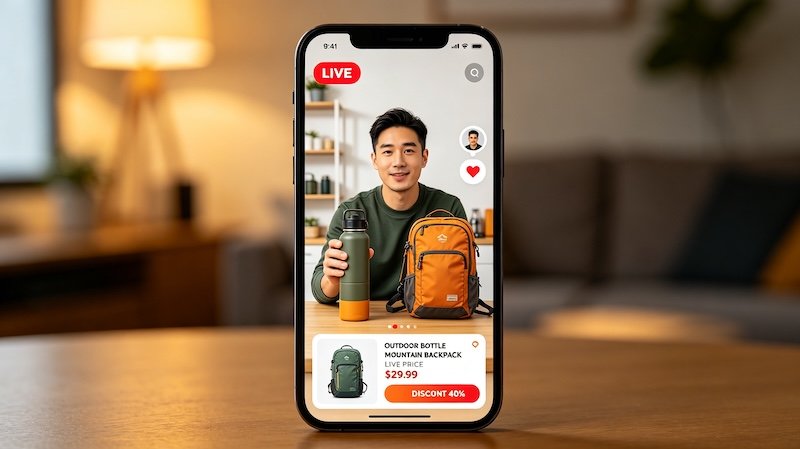
- Follow the sellers you want notifications for
Notifications for LIVE sessions are generally tied to accounts you already follow.
- Turn on notifications from their profile
Look for a bell or notification icon on the seller’s profile page, separate from just following.
- Check your notification settings allow LIVE alerts
Under Settings and Privacy, make sure LIVE notifications aren’t disabled at the app level.
- Watch for in-app banners when a followed seller goes live
Even without a push notification, an active LIVE from someone you follow often appears as a banner at the top of your feed.
Once You’re Notified
Getting the alert is only step one — once you’re in, it helps to know how to actually buy during the LIVE so you’re not fumbling with the interface while the session is already underway. For more on this, see LIVE Shopping Etiquette.
FAQ
Do I need to follow a seller to get notified when they go live?
Generally yes — LIVE notifications are tied to accounts you follow rather than sellers you’ve simply purchased from before.
Why am I not getting LIVE notifications even though I follow the seller?
Check that notifications are specifically enabled for that account and that LIVE alerts aren’t disabled in your overall app settings.
Can I get notified for a LIVE without opening the app?
Yes, if push notifications are enabled for that account and for the app in general on your device.
Is there a way to see if a seller is live right now without a notification?
Yes, accounts currently live are often shown with a visible indicator on their profile or in your following feed.