
The first time I bought something during a TikTok LIVE, I expected some kind of special checkout process — it turned out to be the exact same flow as any other purchase, just triggered from a little shopping bag icon while the host was mid-demo.
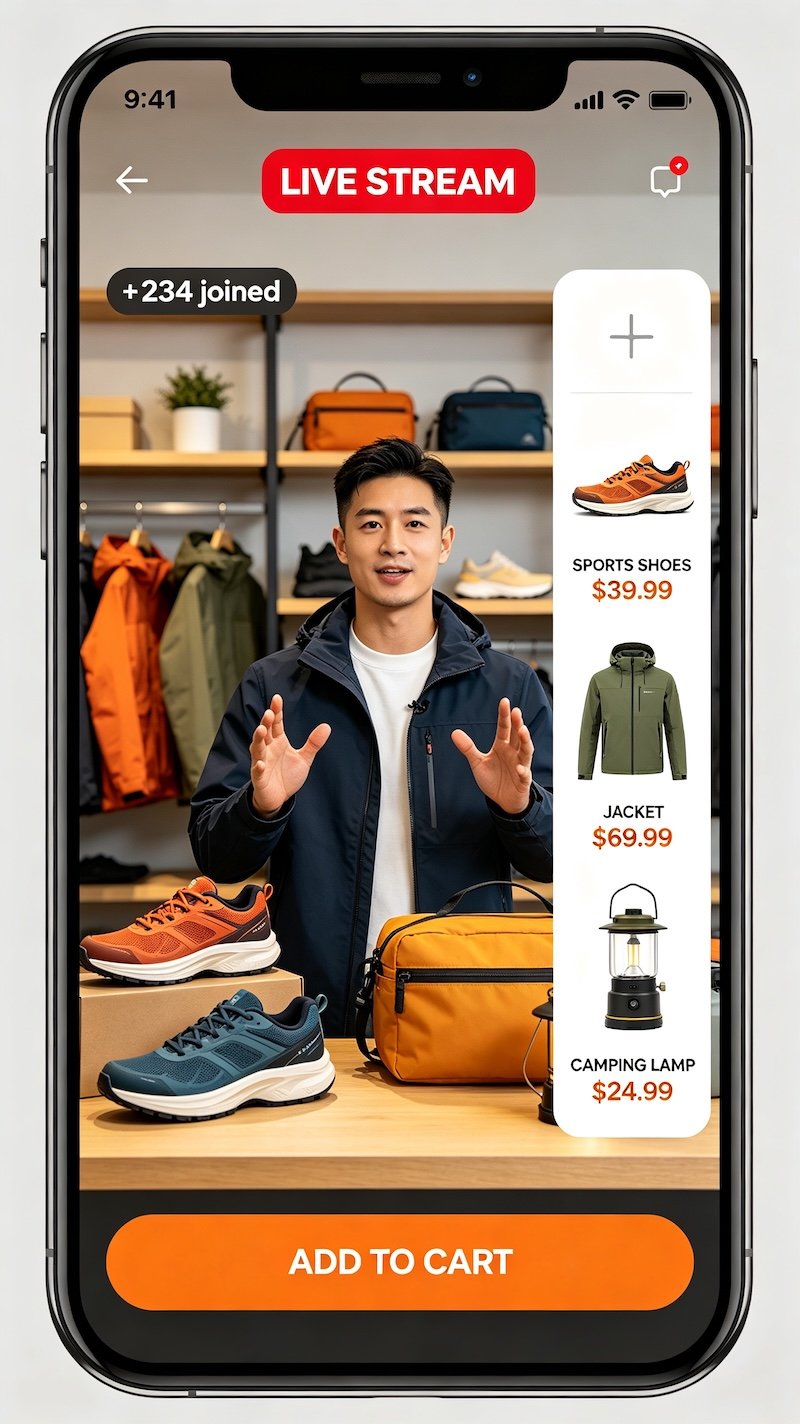
Where the Shopping Happens
During a LIVE, a shopping bag icon appears on screen, opening a list of every product the seller has linked for that session — often demonstrated in real time as the host talks through them.
What Makes LIVE Shopping Different
The core purchase flow is identical to a regular TikTok Shop order. What changes is the context — you’re seeing a real-time demo, live Q&A, and sometimes session-specific pricing, rather than a static listing.
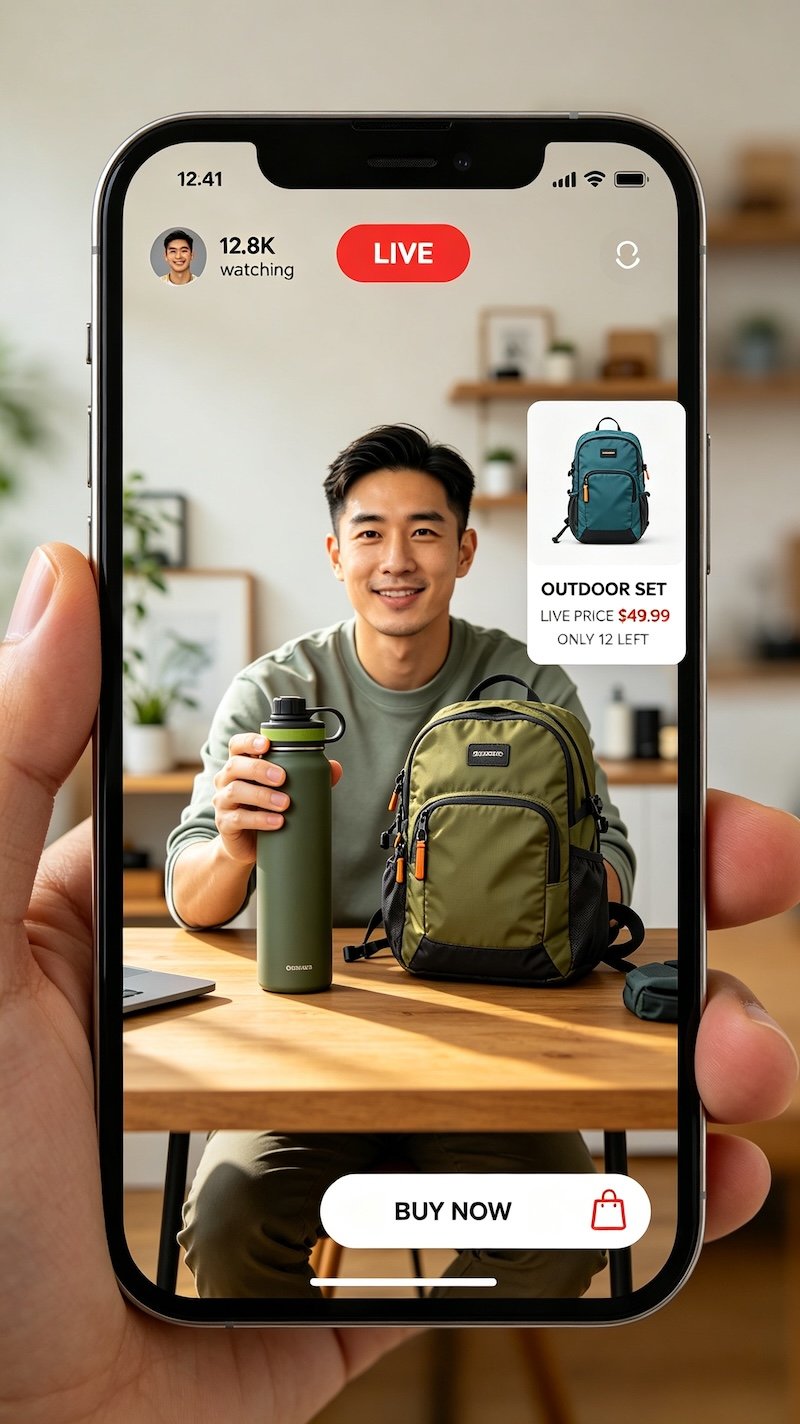
- Tap into the LIVE from a seller you’re following
LIVE sessions show up in your feed or through a notification if you’re following the seller.
- Look for the yellow shopping bag icon
This opens the list of products currently being featured during the LIVE.
- Select the item you want
Tapping a product opens its details, same as browsing a regular listing.
- Check out as you would with any TikTok Shop order
The purchase process itself doesn’t change — LIVE just adds a real-time layer on top of the same checkout flow.
Before You Buy Mid-LIVE
The pace of a LIVE can push a fast decision. If you’re unsure whether a LIVE price is actually a good deal, it’s worth a quick check on whether LIVE prices are really cheaper before checking out. Related reading: LIVE Shopping Etiquette.
FAQ
Do I have to comment or interact to buy during a LIVE?
No, you can browse and purchase from the product list without ever typing in the chat.
Can I buy something after the LIVE has ended?
Sometimes — if the product remains listed on the seller’s shop page, but LIVE-specific pricing or bundles may no longer apply.
Is buying during a LIVE any different from a regular TikTok Shop purchase?
The checkout process is the same; the main difference is real-time context from the host and sometimes LIVE-exclusive pricing.
What does the shopping bag icon during a LIVE actually do?
It opens a scrollable list of every product currently being featured or discussed in that LIVE session.