
I ordered the wrong size of something late one night and caught it about ten minutes later — canceling turned out to be a single button in the order details page, and the whole thing was refunded before I’d even finished my coffee the next morning.
The Cancellation Window
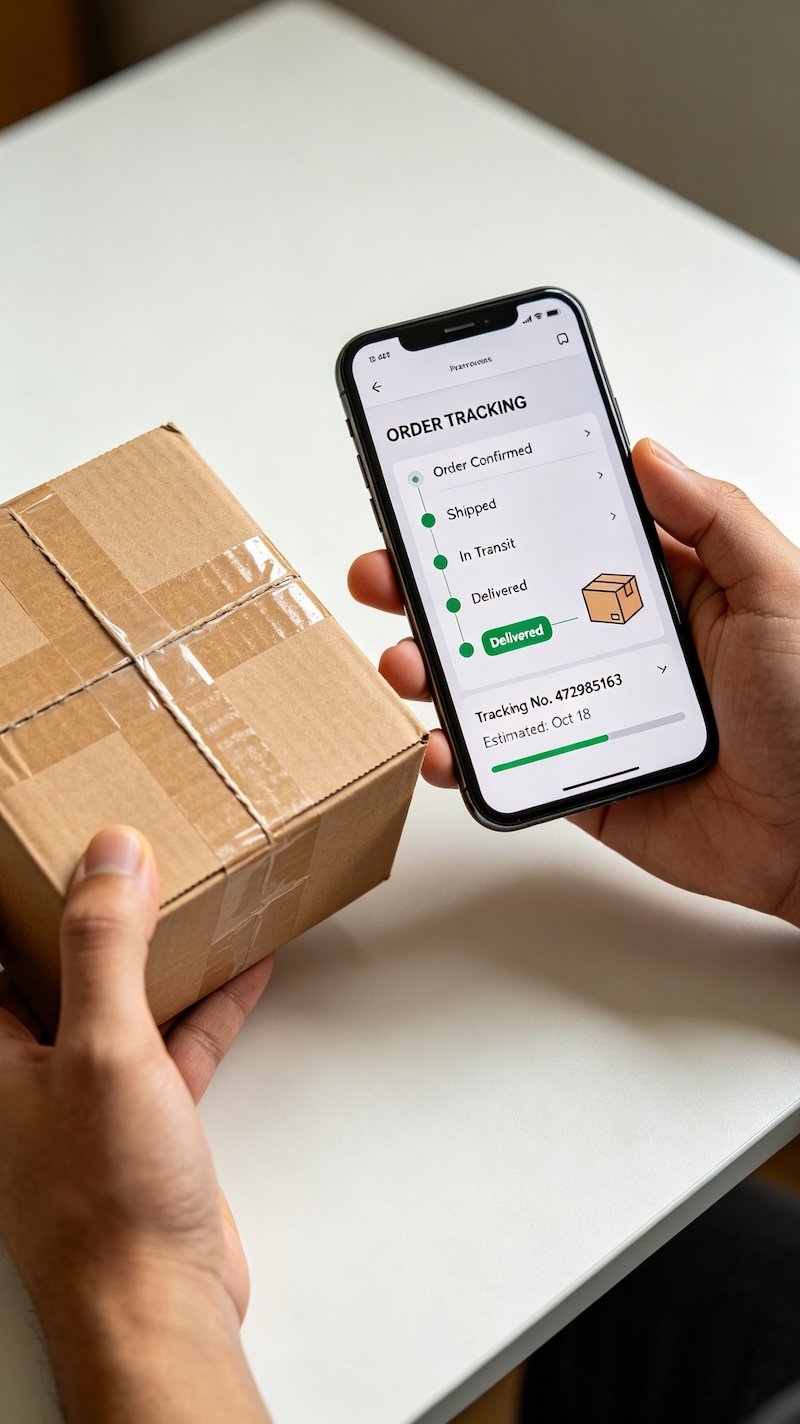
Orders can be canceled directly through the app as long as the seller hasn’t yet marked them as shipped. Once that status changes, cancellation is no longer an option.
Why Timing Matters So Much
Sellers process orders at different speeds — some ship within hours, others take a day or two. Checking the order status quickly after a mistaken purchase gives the best chance of catching it in time.
- Open your order in the Orders section
Every order placed shows up here with its current status.
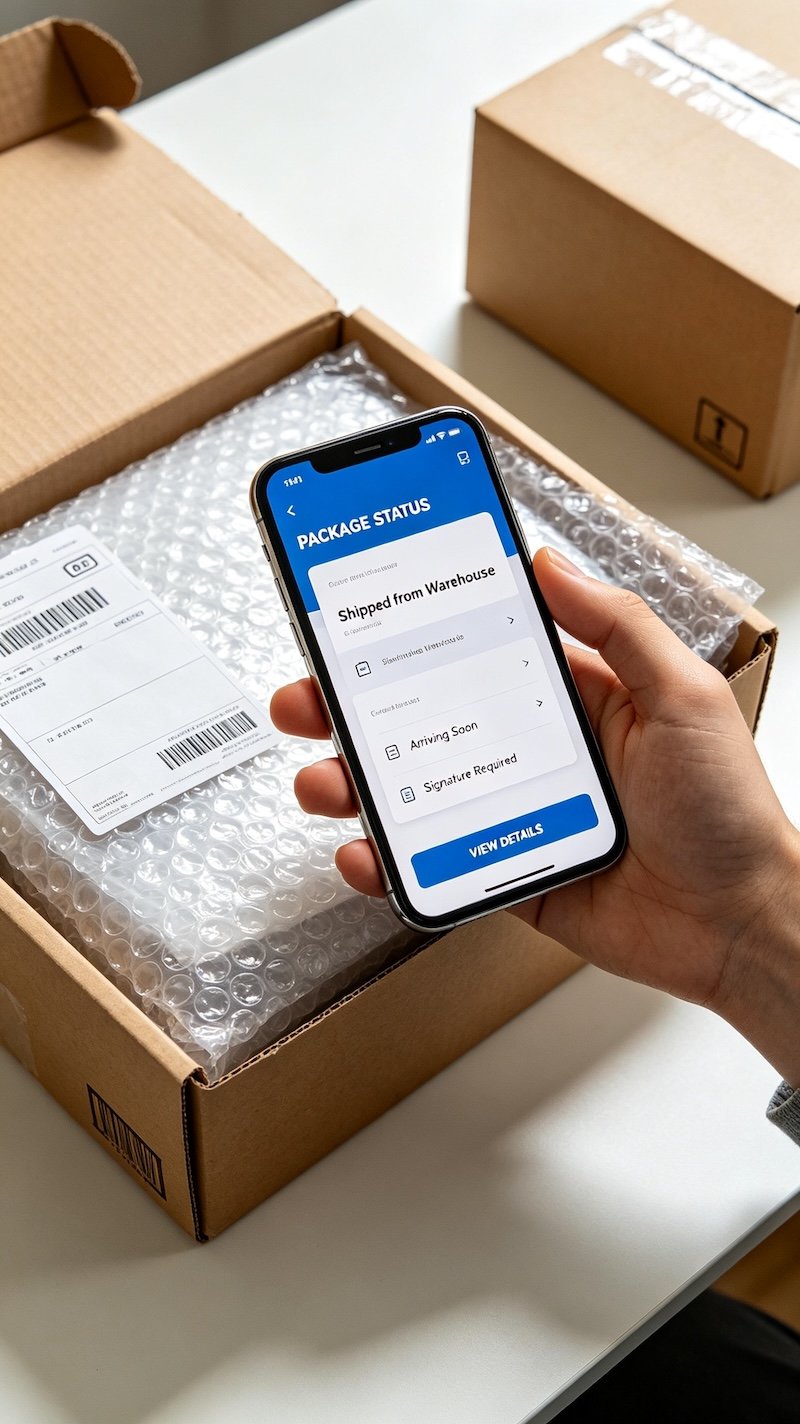
- Check whether it still shows as unshipped
Cancellation is generally only available before a seller marks the order as shipped.
- Tap Cancel Order
This option appears directly on the order details page while it’s still eligible.
- Select a reason and confirm
A quick reason is usually required to complete the cancellation, then it processes automatically.
If You Miss the Window
Once an order has shipped, cancellation is off the table, but starting a return once it arrives is the next available option instead. You might also find How Long Refunds Take useful.
FAQ
Can I cancel a TikTok Shop order after it’s shipped?
Generally no — once an order ships, cancellation is no longer available and a return becomes the relevant option instead.
Is there a fee for canceling an order before it ships?
Typically no fee applies if the cancellation happens before shipping, since the order hasn’t yet been processed for delivery.
How quickly does a cancellation get refunded?
Refunds for canceled orders are usually processed promptly since the item was never actually shipped.
What if the Cancel Order option isn’t showing up?
This usually means the seller has already marked it as shipped — check the order status, and a return may be the next step instead.